
Recently, I’ve noticed a peculiar phenomenon: the interaction methods of various AI programming products are evolving toward a single direction—multi-task management. This “constant context-switching between tasks” workflow makes me feel like I have six arms, but it also shatters my attention into fragments.
Whether it’s model providers (Codex), programming IDEs (Cursor), editors (Zed), or terminals (cmux), you can see strikingly similar product interfaces.
If you don’t believe me, take a look:
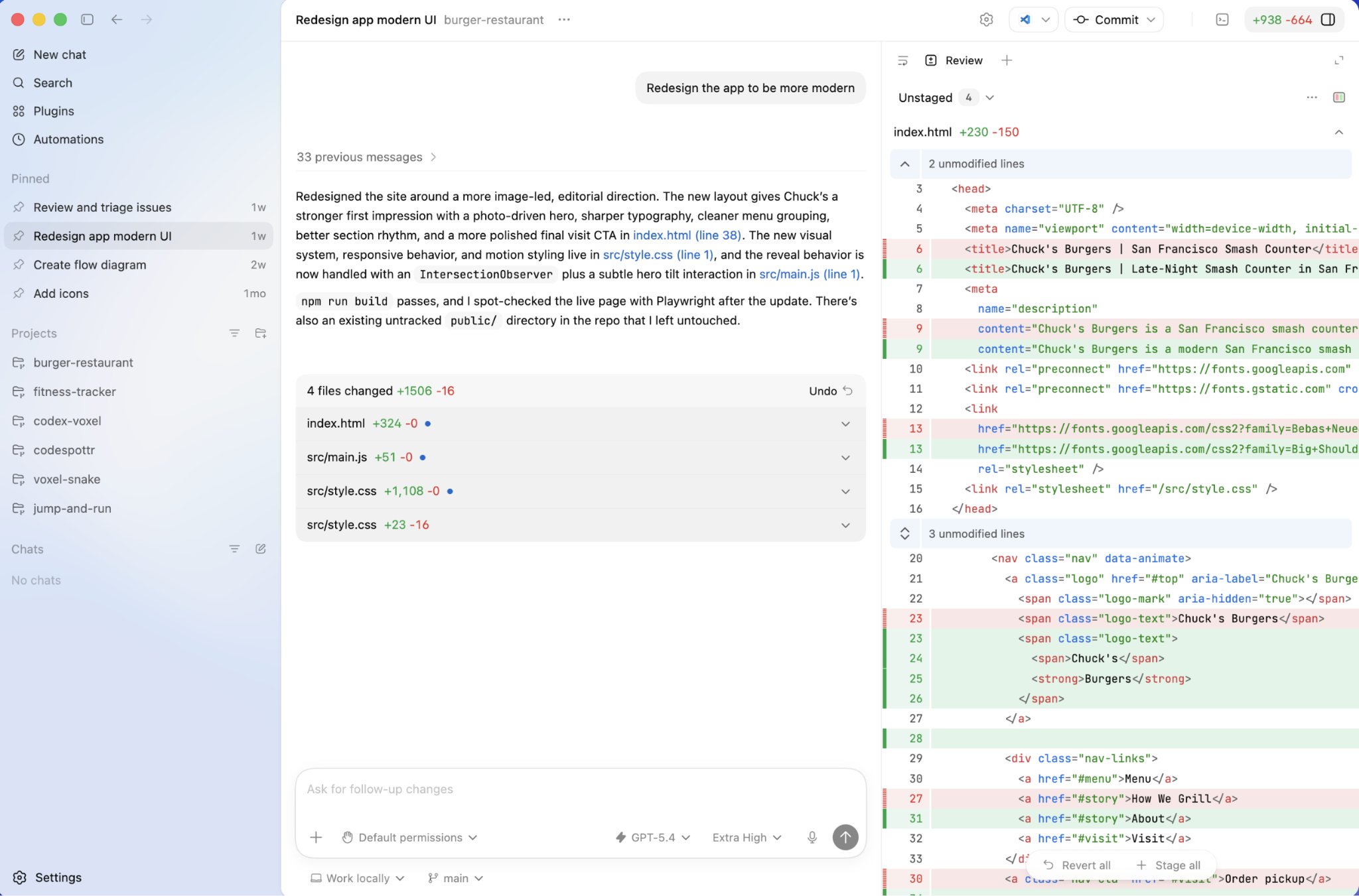
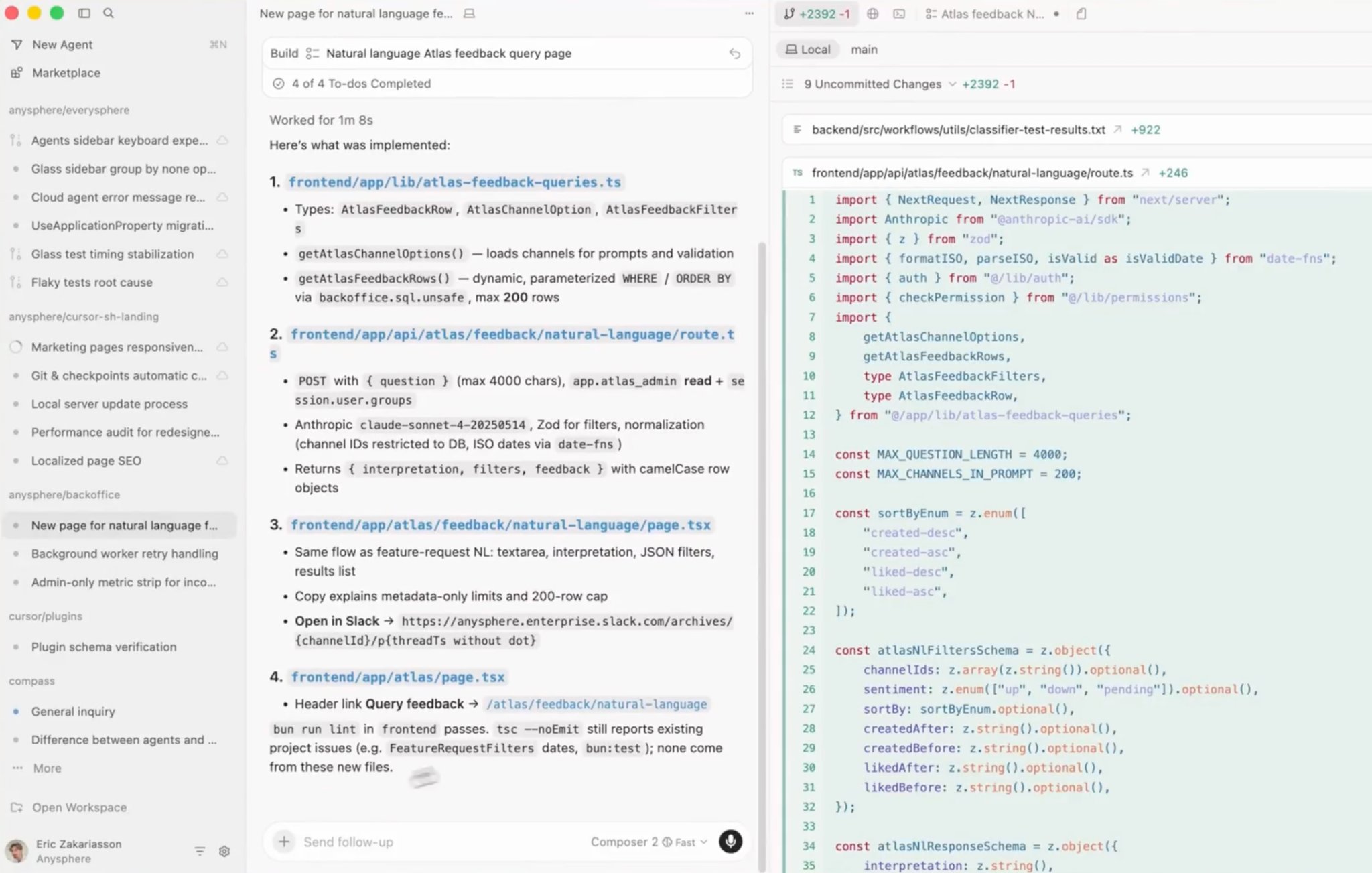
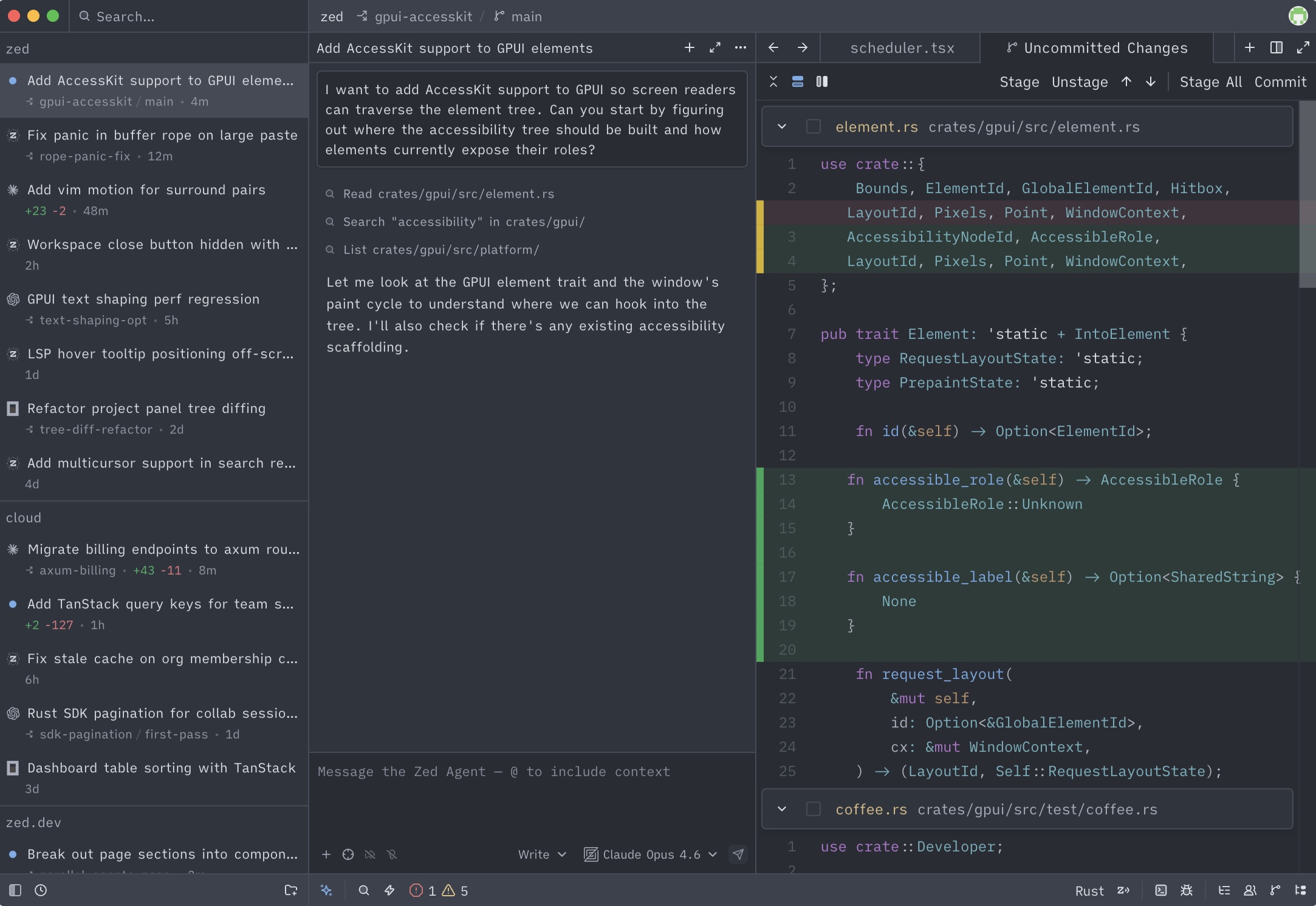
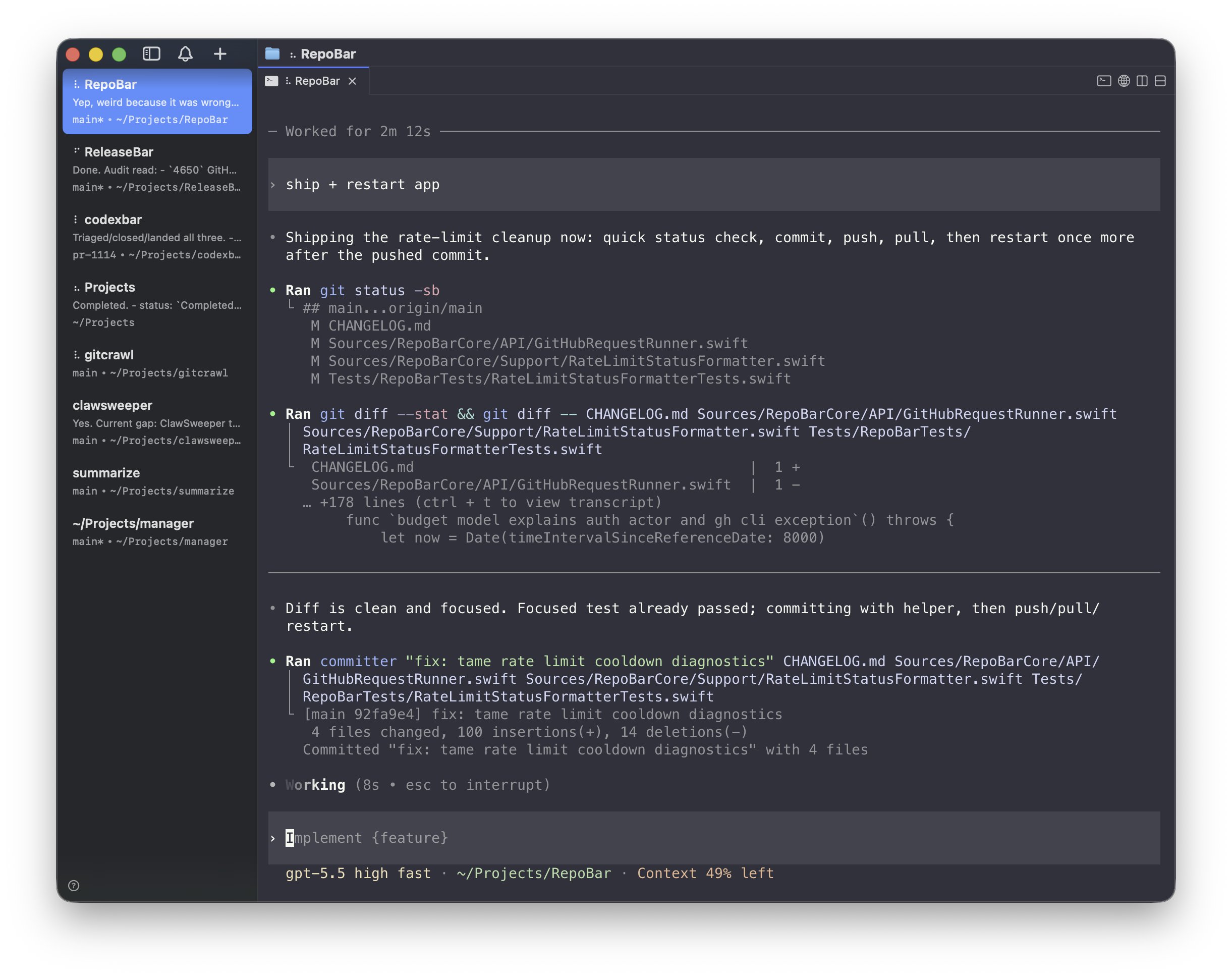
Their product interfaces are virtually identical:
- The center is an Agent chat window.
- The left sidebar manages conversations, often across multiple projects.
- The right sidebar provides various auxiliary functions, such as viewing file changes.
While the layout of each product may differ slightly, the general framework is the same, and they all emphasize managing the progress of Agents across multiple projects within a single window. It is no longer like traditional IDEs or editors where you work “immersively” on one project per window.
Why is this happening?
The New Form of AI Programming
The interaction of AI programming products has now evolved into its third stage.
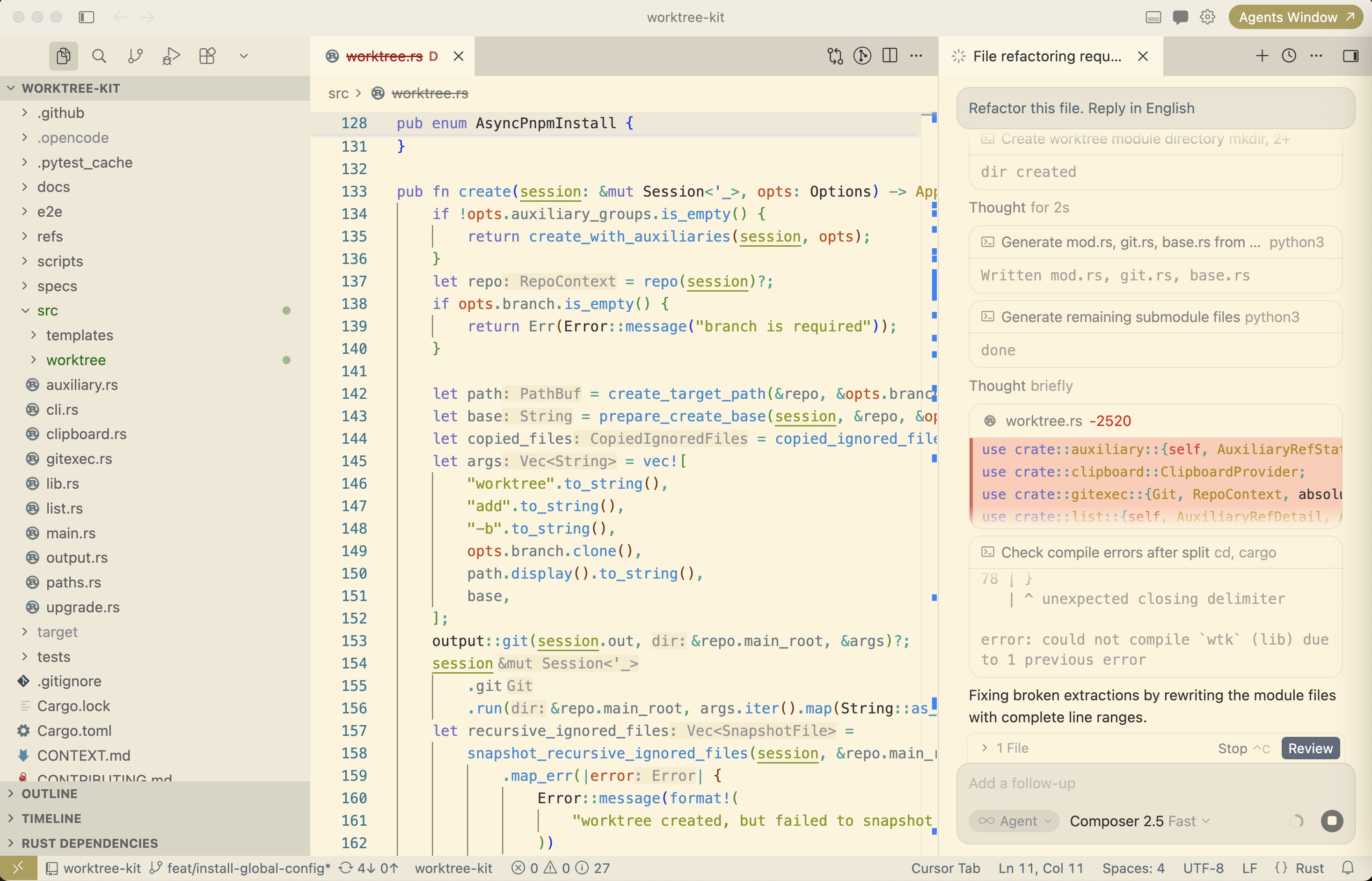
The first stage, represented by Cursor 1.0, primarily added an AI chat sidebar to traditional IDEs/editors.
The characteristic of this stage is the human-in-the-loop. Since model capabilities were not yet powerful enough, the most efficient way to program still required human intervention. A person had to decide whether a piece of code should be written by an Agent or through manual coding combined with code completion.
In this stage, traditional IDE/editor capabilities still occupied most of the product’s space because humans needed to constantly review and correct the code written by the AI; the IDE itself remained a high-frequency tool.
In most cases, my attention was focused on the code currently being modified, which wasn’t much different from traditional programming.
The second stage, represented by Claude Code, primarily takes the form of a programming Agent CLI.
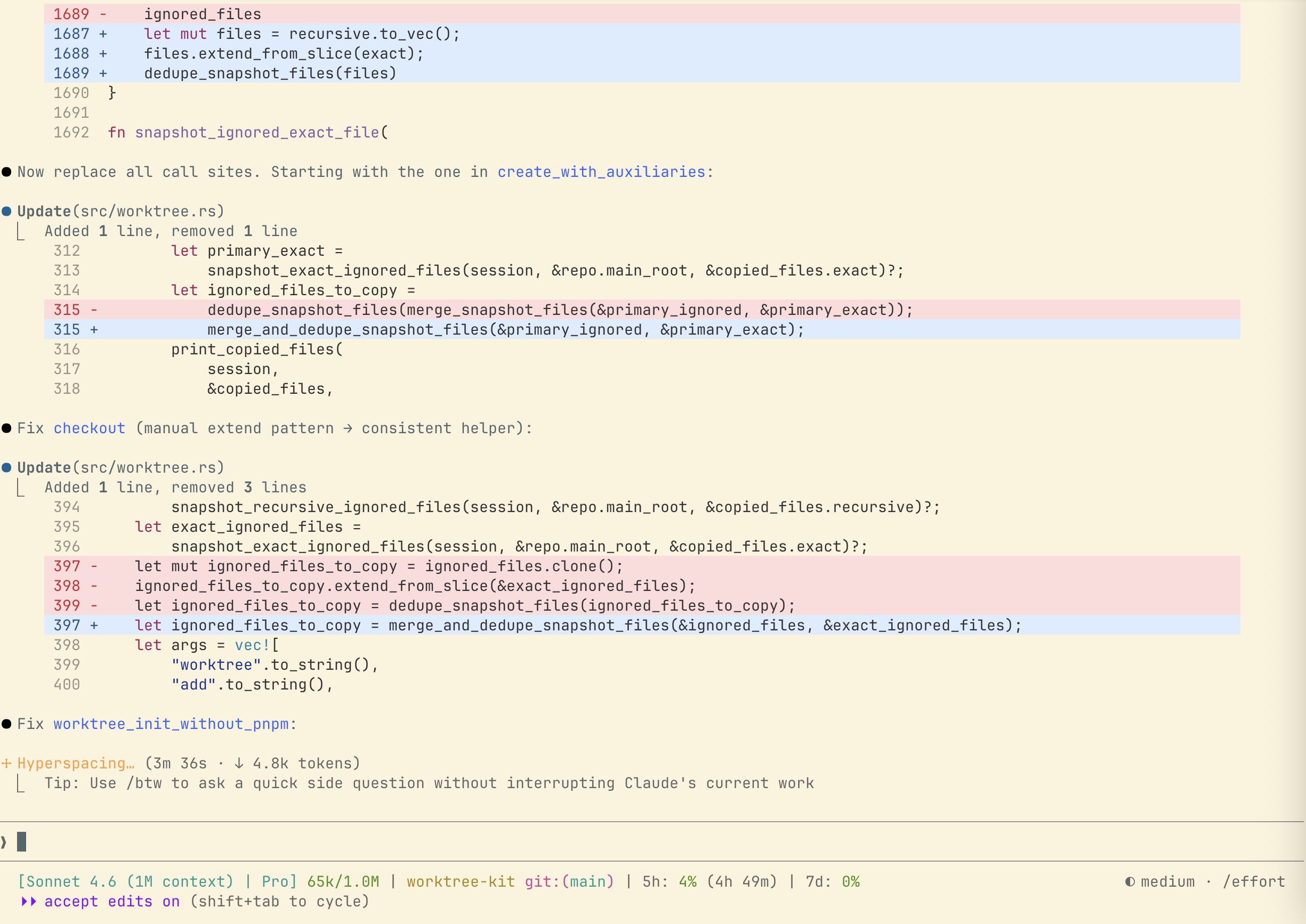
This stage is a radical transformation. Once the interaction form becomes a TUI (Terminal User Interface), the primary operation left for the human is almost exclusively prompting. The frequent code reviews and manual fine-tuning required in the first stage become very inconvenient. This places extremely high demands on model capabilities. Essentially, it wasn’t until the release of Claude 3.5 Sonnet (and later) that the “interaction entirely through prompts” product form of Claude Code became truly usable.
The characteristic of this stage is the TUI—abandoning the graphical interface for a command-line interface. Many people mindlessly praise TUI interfaces, thinking they represent the future. In reality, the high barrier to entry and limited capabilities of TUIs are fatal flaws. Claude Code chose TUI partly for faster iteration efficiency and partly because their ultimate moat is the model itself.
However, because model capabilities are still unreliable at times, I still need to watch the ongoing tasks closely and occasionally approve permissions. My attention remains single-threaded.
In the third stage, we see Codex, the new interaction mode of Cursor 3.0, editors like Zed, and terminals like cmux. There isn’t a single “most popular” product in this stage yet, but all product interactions are converging toward multi-task management for programming Agents.
I first experienced this type of interaction on cmux, and subsequently saw extremely similar interfaces across various products.
The evolution of product interaction is driven by the continuous advancement of model capabilities. As the code written by models becomes increasingly reliable, we no longer need to watch every step of the output; instead, we can hand over complex tasks directly. In other words, modern Agents are primarily used for long-running tasks rather than real-time human collaboration. The “human-in-the-loop” of the first stage has effectively ended.
Since humans don’t need to stare at the Agent, the saved time and energy can be used to start a new Agent task. The way to improve efficiency is no longer about doing things faster or better, but about parallel multi-tasking to increase overall bandwidth. From this point on, the human role shifts from “interacting with a single Agent” to “managing a fleet of Agents.”
| Stage | Characteristics | Representative Products |
|---|---|---|
| Chat Sidebar | Based on traditional IDEs, human-in-the-loop | Cursor 1.0 |
| Agent CLI | TUI form, commanded entirely via prompts | Claude Code |
| Multi-task Management | Multi-Agent management across multiple projects | Codex, Cursor 3.0, Zed, cmux |
However, “managing a fleet of Agents” isn’t actually as wonderful as it sounds. In most cases, I find myself drowning in a constant stream of notifications from the Agents. One Agent stops and needs guidance; another needs me to provide a direction. I feel like a firefighter on horseback, rushing between different Agents, squeezing my attention to make them work better. Frequently switching attention between different projects means that the more tasks I have, the more scattered my focus becomes.
Some say that as AI develops, human work becomes more exhausting; it certainly seems that way.
More critically, I need to remember the context of every task. I must not only remember what needs to be done next for each, but also which task needs to stop and wait for another, and which task’s results are unreliable and require careful checking later. I’m starting to feel like an LLM with a blown-out context window—running slowly.
How can these issues be mitigated? How can one master a multi-Agent workflow and harness the power of multi-tasking without losing focus? I am pinning my hopes on “worktrees” and “goals.” In future articles, I will continue to share my practical experiences.